A fresh update for Terraria has just rolled out on PlayStation 5 and Xbox Series X|S, delivering a handful of quality-of-life improvements and long-awaited control tweaks. Hot on the heels of the massive Journey’s End expansion that arrived on consoles earlier this year, this patch doesn’t introduce any new bosses or biomes. Instead, it focuses on smoothing out the experience, restoring beloved legacy control schemes, and squashing several annoying bugs that have persisted since the big content drop.
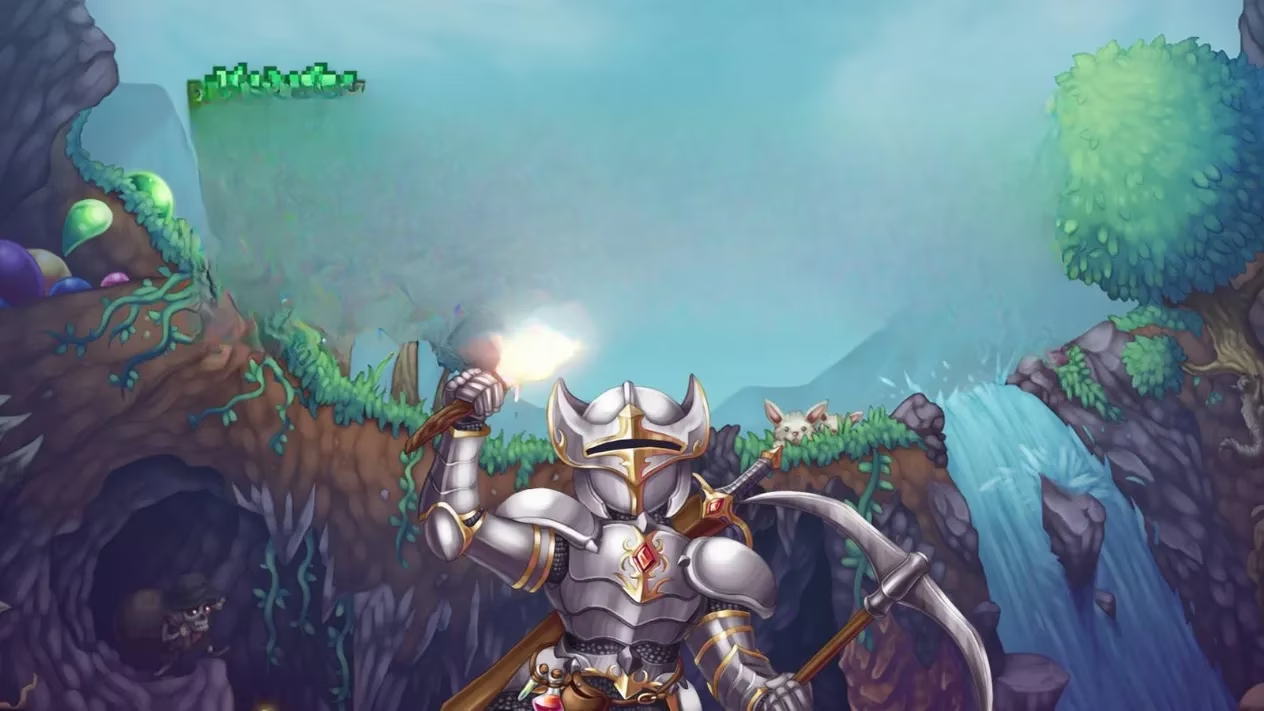
The headline change is the return of the iconic control options that veteran console Terrarians have been asking for. Re-Logic developer Loki confirmed on social media that the update brings back Red’s Pick Analog, DPad Snap, and DPad Hotbar — three input methods deeply associated with the Console 1.3 era. “We’ve made this as close to Red’s Pick as possible,” Loki wrote in a reply to a fan, “and it’s designed to act as a bridge between the old muscle memory and all the new functions available in 1.4.”
What exactly does that mean for daily play? The “Classic” control scheme has been reworked to mimic the feel of the original Red’s Pick layout almost perfectly. Players can now bind the D-pad to Grid Snap, effectively recreating the cursor snap behavior that made digging and building on console so precise back in the day. Similarly, assigning the four D-pad directions to Dynamic Hotbar slots 1 through 4 replicates the old DPad Hotbar, letting you swap between tools and weapons with a flick of your thumb. These bindings are fully remappable, so you can tweak them to your personal taste while keeping the old-school soul intact.
Another long-standing annoyance finally gets addressed in this patch: the world cap bug. Up until now, the system erroneously capped the number of worlds at 10, even though the user interface continued to display slots for up to 30. This mismatch led to a frustrating scenario where worlds would sometimes appear to auto-delete themselves when the game was closed. Loki explained that the intended maximum has always been 30 worlds, and with today’s update the UI now correctly enforces that cap. Once you hit 30 maps, the “New” button simply disappears — no more phantom deletions to ruin your settlement collection.
But that’s just the tip of the iceberg. The patch notes list a host of multiplayer and split-screen fixes that should make couch co-op a much happier experience:
-
🔧 Fixed an issue that prevented adding more offline players to splitscreen on PS5. Now the whole family can jump into a world without a hitch.
-
🖱️ Mouse scroll wheel functionality on both PlayStation and Xbox has been repaired, making inventory navigation far snappier.
-
🎃 Addressed sudden lag spikes caused by the growth of pumpkins. If your framerate tanked every time Halloween rolled around, those days are over.
-
🧳 The Traveling Merchant’s inventory is now properly visible for Player 2 and beyond in split-screen. No more squinting at a blank shop while your partner buys all the good stuff.
-
⛈️ Thunderstorms in split-screen no longer turn blocks invisible — an immersion-breaking glitch that could leave you falling through seemingly solid ground.
-
⏳ Fixed an issue where time would freeze in non-Journey worlds after joining a multiplayer session from the tutorial. Your clocks should tick normally again.
-
🎣 Multiplayer clients will now receive the Angler’s daily fishing quests correctly, so everyone in the group can work toward those rare rewards.
-
💎 Treasure bags from bosses now drop for all participants in multiplayer and split-screen, not just a single lucky player.
-
👹 Visual effects for Dungeon Casters and other projectile weapons now render properly on the left side of the world — no more invisible projectiles ambushing you.
-
🪨 Geodes can once again be thrown on the ground to crack them open, a small but satisfying interaction that had been mysteriously absent.
In addition to those specific fixes, the update also re-examines some controller bindings. The grapple action is now mapped to the B button by default again, sharing space with the Interact command. To avoid conflicts, Interact can be assigned to whatever button players have set for Secondary Fire or Grapple, but not to any other inputs. This careful compromise prevents edge-case problems that would arise when two contradictory actions competed for the same press.
The absence of any new content in this update is intentional. Re-Logic has made it clear that the team is focusing on stability and refinement for consoles after the sheer volume of features delivered by Journey’s End. With 2026 shaping up to be a year of polish, players can expect more small but meaningful patches like this one to keep the game humming along on modern hardware.
Community reaction so far has been overwhelmingly positive, particularly from those who have played Terraria across multiple console generations. The ability to toggle between modern and classic control philosophies means that both newcomers and returning veterans can enjoy the game exactly the way they remember — or discover a new favorite setup. Whether you’re deep into a Master Mode hardcore run or just starting to dig your first hellevator, today’s update makes the journey that much smoother.
Terraria continues to prove its staggering longevity. Nearly a decade and a half after its original release, the 2D sandbox still receives developer attention that most AAA titles would envy. And as long as there are blocks to place and bosses to fight, Re-Logic seems determined to give players the tools they want — including the nostalgic, time-tested control schemes they’ve been missing.
Full patch notes can be accessed through the game’s official channels or in the update history on your console. If you’ve been holding off on a return trip to your world, now is the perfect time to jump back in and experience the new-old feel of Red’s Pick, secure in the knowledge that your creations won’t disappear into the void.