I’m just a regular Terraria player who wanted his PS4 to look like the world he spends hundreds of hours digging, building, and dying in. In 2026, the PS4 may be old news to some, but for many of us it’s still the console that boots up Terraria without fuss. So when I remembered that a free Terraria theme existed, I decided to chase it down. The catch? The theme is tied to the Japanese demo of the game. It’s a little convoluted, but we gotta earn our treats somehow. 🎮
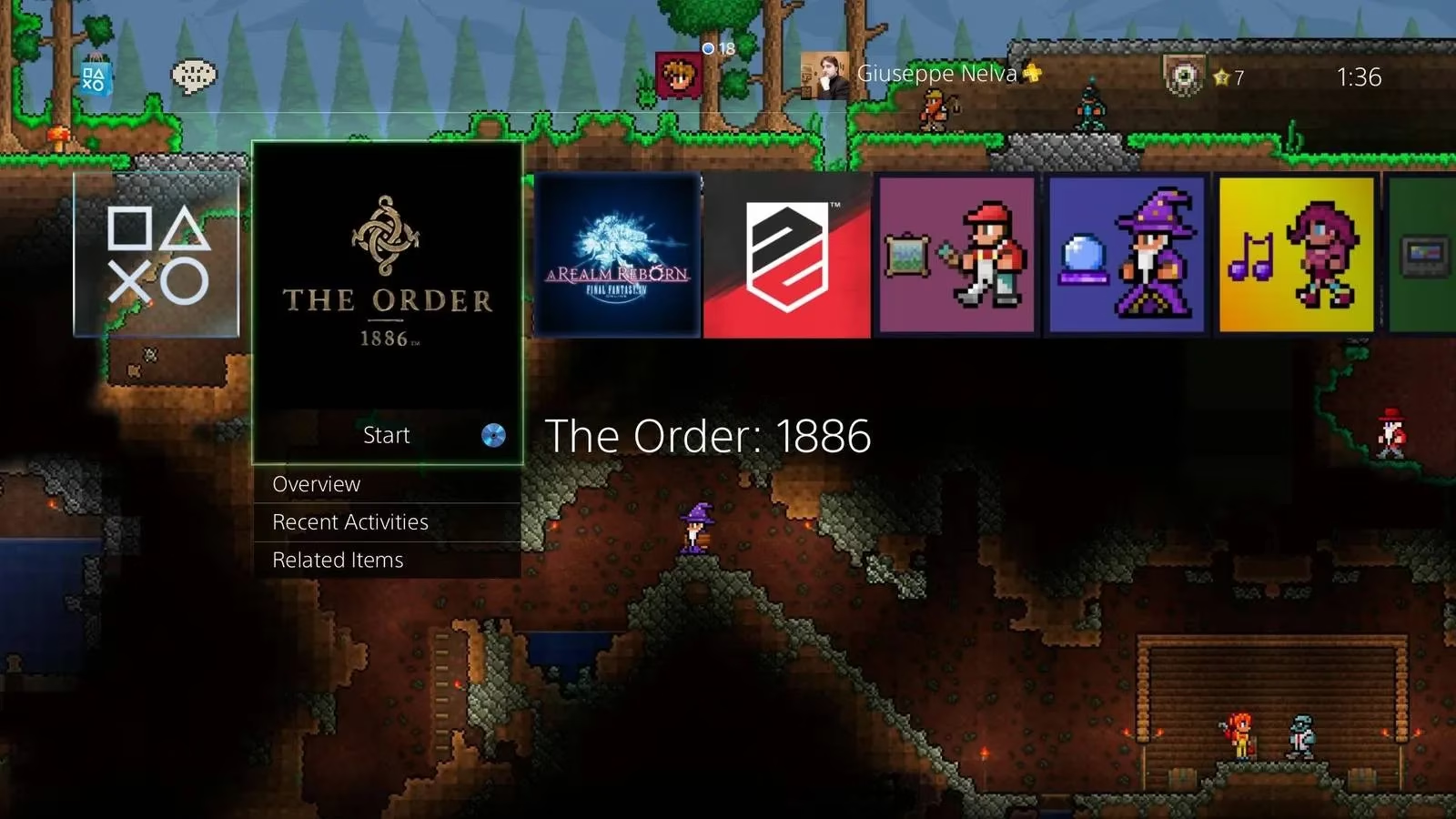
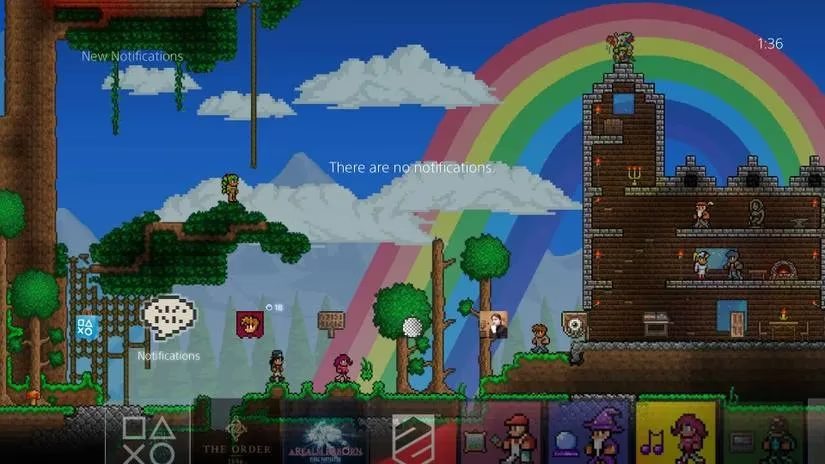
The theme itself is a love letter to Terraria. It has custom music, pixel-art icons, and a background that makes your PS4 dashboard feel like a forest at dusk. The demo acts like a gatekeeper: download it, and the theme unlocks its door. I first heard about this method years ago, and as of my latest attempt in 2026, the basic path is still the same — though the PlayStation Store can be moody, so patience is part of the ritual.
Here’s the process, step by step.
First, you need a Japanese PSN account. Yes, a separate one from your western account. You can find guides online, but the short version is: create a new user on your PS4, set the region to Japan, and use a Japanese address. I won’t pretend it’s fun. It’s a bit of a song and dance, honestly. But once the account exists, you’re in.
Second, log out of your western account on the web store — or just use your PS4 with the Japanese account. On the console, go to the Games section, then to the Demos section. Select the DualShock silhouette, and on the next screen you should find the Terraria demo. If you’re on the web store, make sure you’re logged out of your western account, or the page may refuse to cooperate. The store can play hard to get, but it usually caves.
Third, download the demo. It comes with its own custom music, which is a nice preview of what the theme will sound like. The download isn’t huge, but it’s the key to the whole thing.
Fourth, once the demo is installed, go to Settings -> Themes -> Find in PlayStation Store. The Terraria theme should appear for download. Grab it. After it lands on your PS4’s hard disk drive, the theme is yours to use with any account — including your western one. That’s the beautiful part. The theme doesn’t care which account you’re on. It just sits quietly on your hard drive, waiting to be invited.
| Step | Action | Notes |
|---|---|---|
| 1 | Create a Japanese PSN account | Separate user, Japanese region |
| 2 | Find the Terraria demo | Games -> Demos -> DualShock silhouette |
| 3 | Download the demo | Custom music included |
| 4 | Go to Settings -> Themes -> Find in PlayStation Store | Download the free theme |
| 5 | Switch back to your main account | Theme works for all users |
Now, is it worth it in 2026? That depends on how much you love Terraria. If you’re the kind of player who names every chest and builds a shrine to the Guide, then yes, absolutely. The theme makes your PS4 feel like a proper Terraria machine. The music alone is a nostalgic trip. But if you just want a quick cosmetic change, the Japanese account dance might test your patience.
I’ll be honest: the method isn’t officially supported, and store availability can change. Demos get delisted. Regions get shuffled. The PlayStation Store isn’t a static museum; it’s a living marketplace. So if the demo isn’t there today, it might come back tomorrow, or it might vanish for good. That’s the risk. I can’t promise it will work forever, but as of 2026, the path is still worth trying for a dedicated fan.
A few extra tips from my own quest:
-
Use a wired connection if your PS4’s Wi-Fi is as moody as mine.
-
Keep the Japanese account on your console even after you get the theme. You never know when you’ll need it again.
-
Don’t delete the demo immediately. Sometimes the theme wants to verify its origin. (Or maybe I’m just superstitious.)
-
The theme’s music is calm and adventurous. It’s perfect for late-night mining sessions.
-
If you have a PS5, remember this is a PS4 theme. It won’t dress up your PS5 dashboard. Sorry. 😅
The whole process took me about half an hour, mostly because I fumbled with account switching. But when the theme finally loaded, I felt like I’d earned a rare drop. The background is lush, the icons are crisp, and the music makes even the PlayStation Store feel like a Terraria biome. It’s a small thing, but for a fan, it’s a nice thing.
So, if you’re a Terraria lover with a PS4 and a free afternoon, give it a shot. The theme is free, the demo is free, and the only real cost is a bit of patience. And who knows? You might end up leaving your PS4 idle just to listen to the theme’s music. I did. The rest? Well, that’s between you and your PS4. 🌳